My NDIS Portal (myplace): Simple Participant Guide for 2026
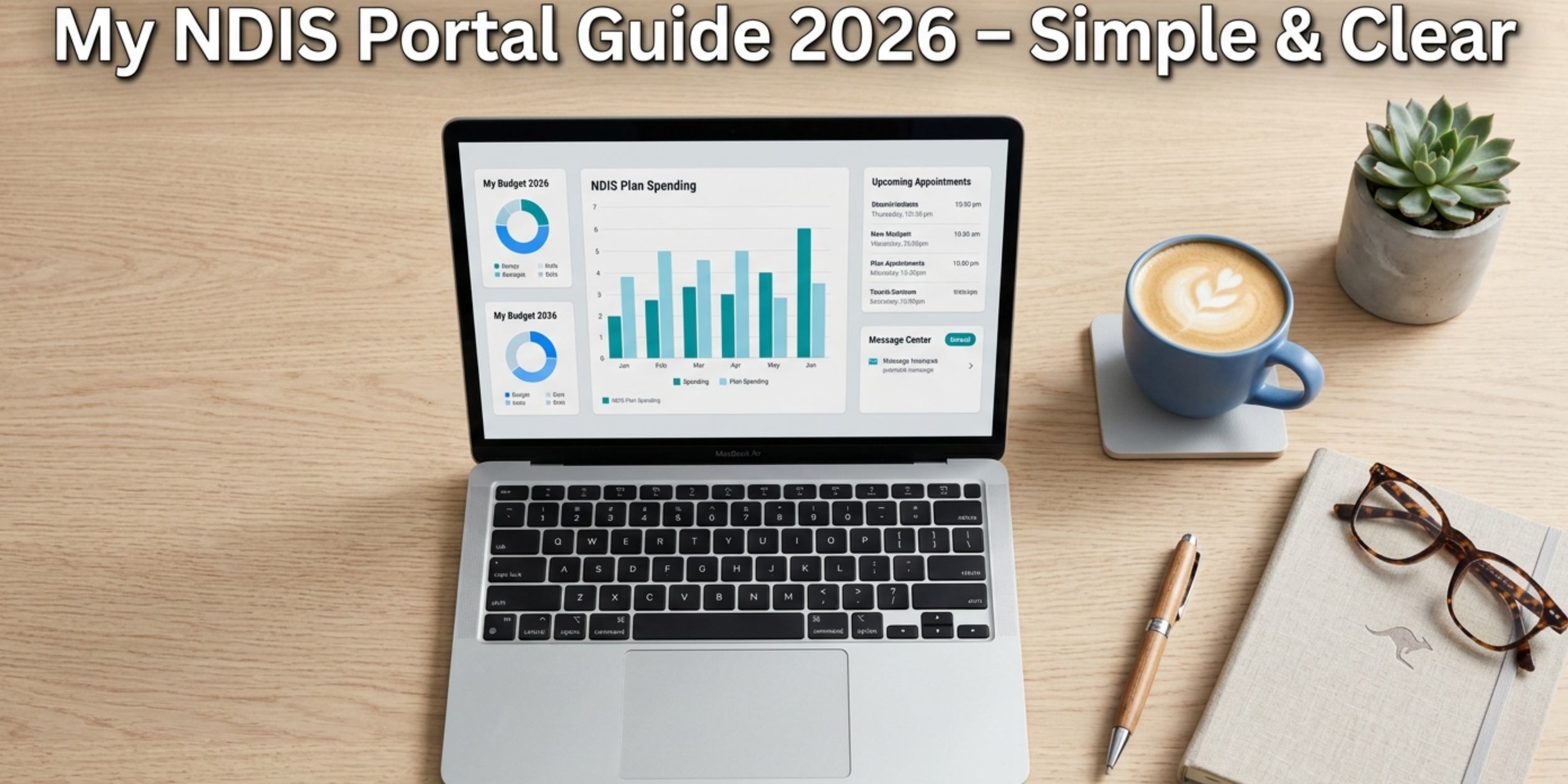
My NDIS Portal (myplace)
Managing your NDIS plan doesn’t have to feel overwhelming. The my NDIS portal (myplace) is your online space where you can check your funding, stay organised, and keep track of your supports—all in one place.
At Bridges Alliance, we empower participants to feel confident using tools like the portal, so you stay in control of your supports and your goals.
What Is the my NDIS Portal?
The my NDIS portal is a secure online platform that helps you manage your NDIS plan anytime, anywhere. You can log in using your myGov account on your computer, tablet or mobile phone.
It gives you a clear view of your plan, your budget, and the services you’re using.
What You Can Do in the Portal
The portal is designed to make things easier. You can:
View your NDIS plan and funding breakdown
Track how much funding you’ve used and what’s left
Find and connect with providers
Manage service bookings and agreements
Submit and track claims (if you’re self-managed)
Access important documents and reports
Monitor your progress towards your goals
With the right support, like the team at Bridges Alliance, these tools become even more powerful in helping you get the most out of your plan.
Getting Started
To use the portal, you’ll need:
An active NDIS plan
A myGov account linked to the NDIS
Internet access
Up-to-date contact details with the NDIA
Setting Up Your Account
If you don’t already have a myGov account:
Visit the myGov website
Create an account
Confirm your identity
Link the NDIS as a service
Set up security details
Once connected, you’ll be able to access your portal anytime.
Understanding Your Dashboard
When you log in, your dashboard gives you a quick snapshot of your plan.
You’ll see:
Your plan dates and review timeline
Total funding and remaining balance
Recent activity and updates
Notifications and reminders
Progress towards your goals
Colour indicators help you quickly understand your situation:
Green – everything is on track
Amber – keep an eye on things
Red – action may be needed
Blue – new updates or information
Understanding Your NDIS Funding
Your funding is divided into three main areas:
Core Supports
These help with everyday activities like personal care, transport, and community participation.
Capacity Building
These supports help you build skills and independence, such as improving communication, learning, or finding work.
Capital Supports
This includes higher-cost items like assistive technology, home modifications, or specialised housing.
Some funding is flexible, meaning you can use it across different supports. Other funding is stated, which must be used for a specific purpose.
Tracking Your Budget
The portal helps you stay on top of your spending with real-time updates.
You can see:
Total funding available
What has been spent
What is committed to services
What remains
There are also tools to help you understand your spending patterns and plan ahead.
At Bridges Alliance, we often guide participants through this process so they feel confident and informed—not overwhelmed.
Finding and Working with Providers
The portal allows you to search for providers based on:
Location
Type of support
Availability
Areas of expertise
You can view provider details, compare options, and manage service agreements all in one place.
Choosing the right provider is important—and having a trusted team like Bridges Alliance ensures you’re supported every step of the way.
Claims and Payments
If you are self-managed, you can:
Upload invoices and receipts
Submit claims
Track payment progress
View payment history
If you are plan-managed, you can still monitor spending and see when providers are paid.
Accessing Your Documents
Your portal stores important documents such as:
Your current and previous plans
Budget statements
NDIA letters and updates
Reports and assessments
You can download, print, or email these whenever needed.
Using the Mobile App
The my NDIS app gives you access on the go. You can:
Check your budget
Search for providers near you
Upload receipts
View documents offline
Receive updates and reminders
Common Issues and Tips
Like any system, you may run into small issues. Here are some simple fixes:
Can’t log in? Check your myGov link or reset your password
Plan not updated? Wait 24–48 hours and refresh
Budget looks off? Check committed vs spent funds
Can’t find a provider? Try broadening your search
If you’re unsure, you don’t have to figure it out alone. The Bridges Alliance team is always here to help you navigate these challenges.
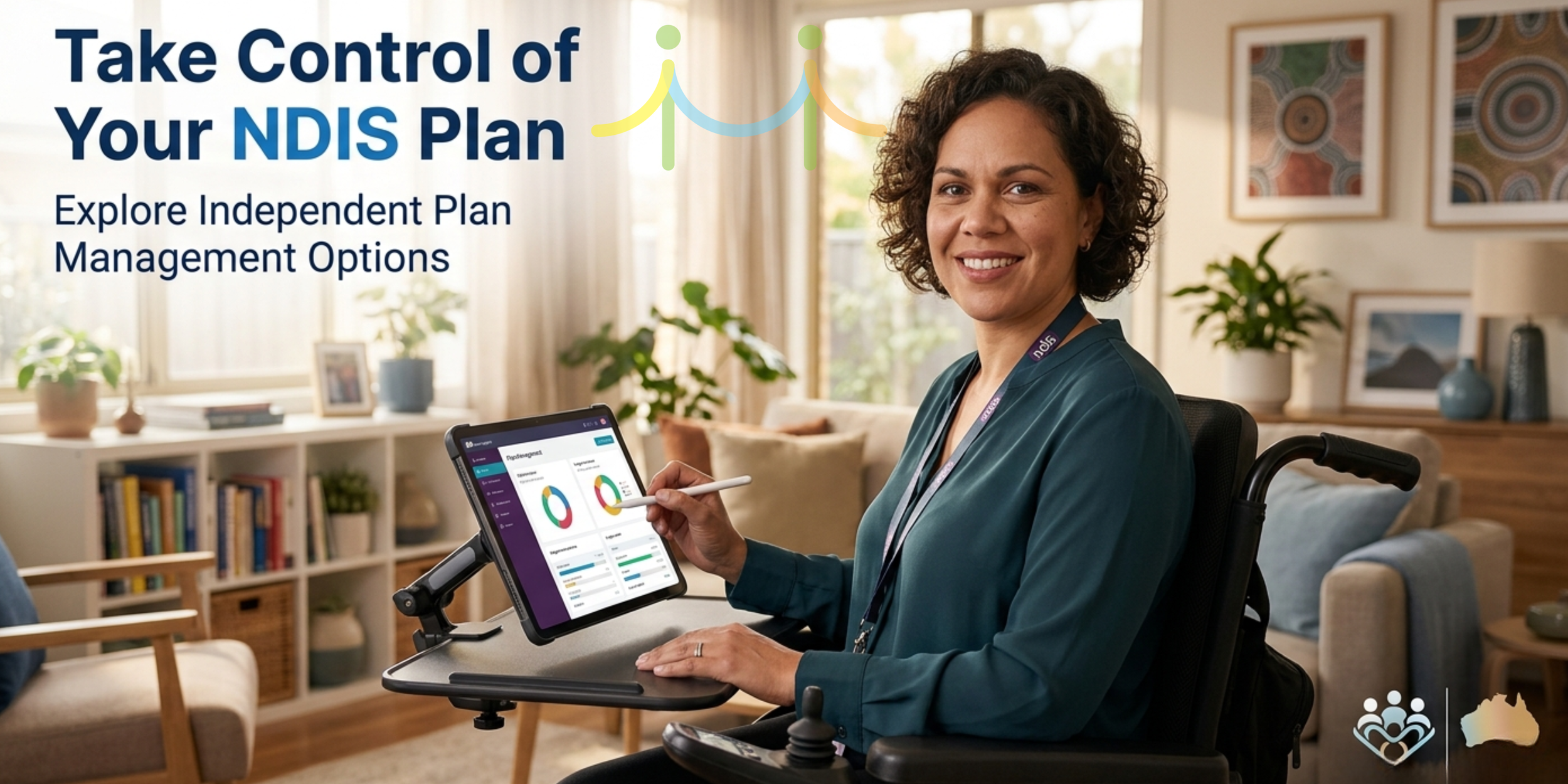
Take control of your plan
Getting the Most Out of the Portal
To stay on track:
Check your portal regularly (weekly is a good start)
Keep your documents organised
Review your goals and progress
Monitor your spending
Keep your login details secure
The more you use the portal, the easier it becomes.
Support Is Always Available
If you need help:
Call the NDIS on 1800 800 110
Access help guides within the portal
Speak with your Local Area Coordinator or Support Coordinator
Or reach out to Bridges Alliance—we’re here to simplify the process and support you to make informed choices.
Final Thoughts
The my NDIS portal is a valuable tool that puts you in control of your plan. While it may feel complex at first, with regular use and the right support, it becomes a powerful way to manage your funding and achieve your goals.
At Bridges Alliance, we believe in making the NDIS simple, accessible, and empowering—so you can focus on what matters most: living your best life.
FAQs
How often should I check my portal?
Checking once a week is recommended. If you’re actively using supports or nearing budget limits, check more often.
What if my budget doesn’t look right?
Wait 24–48 hours for updates, review your transactions, and contact your plan manager or the NDIA if needed.
Can I change my plan in the portal?
No, but you can request a plan review or update your details.
What’s the difference between committed and spent funding?
Committed funds are set aside for services you’ve agreed to. Spent funds are what has already been paid.
Can someone else access my portal?
Only authorised nominees can access your portal through their own login. Your details should never be shared.
how to use my NDIS portal Australia
NDIS portal guide 2026
what is myplace NDIS
how to track NDIS funding
NDIS participant help Australia
NDIS support near me
NDIS plan management help Sydney
Bridges Alliance NDIS support
NDIS budget tracking explained
how to find NDIS providers
